Organizing your digital photos and video files efficiently can save you a lot of time and frustration when you're looking for a specific image or video. Here are some tips on how to organize them effectively:

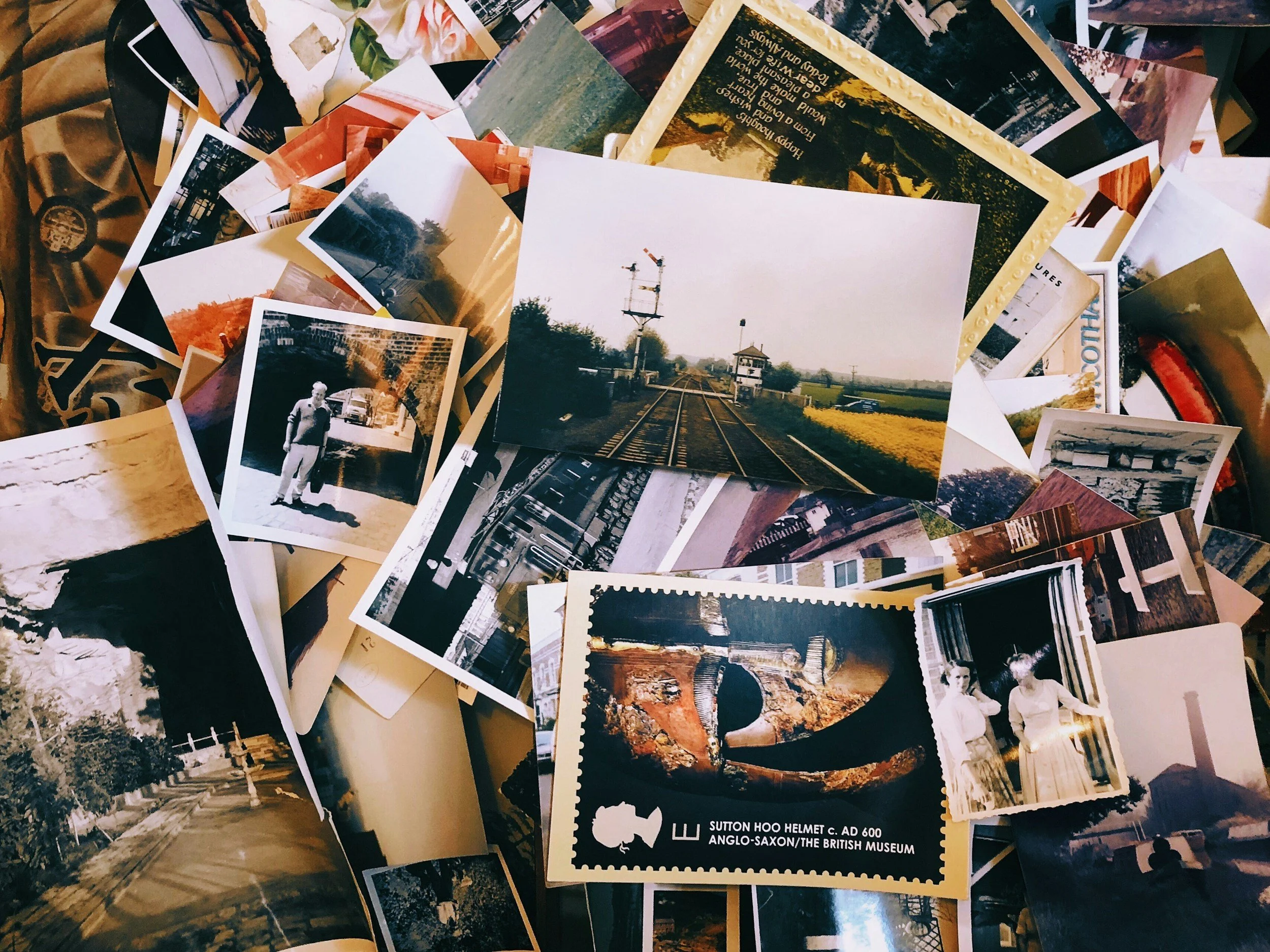
Black & white family lose photographs
300 PPI vs. 600 PPI: Which Resolution Is Best for Scanning Your Family Photos?
When it comes to preserving family photographs, one of the most common questions we hear is:
"Should I scan my photos at 300 PPI or 600 PPI?"
The answer depends on how you plan to use your digital images, but for most families, 600 PPI provides the best long-term value. While both resolutions produce high-quality digital copies, understanding the differences can help you make an informed decision before scanning hundreds—or even thousands—of irreplaceable photographs.
What Does PPI Mean?
PPI stands for Pixels Per Inch, and it refers to how much image information is captured during scanning.
Think of it like this:
300 PPI captures a good amount of detail and is ideal for everyday viewing.
600 PPI captures four times as many pixels, preserving much finer detail and providing greater flexibility in the future.
Because resolution doubles in both width and height, a 600 PPI scan contains approximately four times the total image data of a 300 PPI scan.
Resolution Comparison
Let's use a standard 4×6-inch photograph as an example.
300 PPI
Approximately 1200 × 1800 pixels
About 2.2 megapixels
600 PPI
Approximately 2400 × 3600 pixels
About 8.6 megapixels
Although both images may look similar on a phone or computer screen, the higher-resolution scan contains substantially more detail.
Image Quality
For viewing photos on social media, televisions, or computer screens, 300 PPI is often sufficient.
However, if you zoom in, crop the image, or plan to restore it later, the advantages of 600 PPI become much more apparent.
Higher-resolution scans capture finer details such as:
Facial features
Hair texture
Clothing patterns
Handwriting on photographs
Small background objects
These details are often important when preserving family history.
Better for Photo Restoration
Old photographs frequently have:
Scratches
Dust
Fading
Creases
Water damage
Whether restoration is performed manually in photo editing software or with modern AI restoration tools, higher-resolution scans provide more information to work with, often resulting in cleaner, more natural restorations.
Better for Enlargements
One of the biggest benefits of scanning at 600 PPI is the ability to create larger prints.
If you decide years from now that you'd like to enlarge an old 4×6 photo into an 8×12 or even larger display print, the additional resolution helps maintain image sharpness.
A 300 PPI scan limits how much enlargement is possible before quality begins to decline.
More Flexibility When Cropping
Many older photographs include multiple people.
Perhaps today you only want the entire image, but later you'd like to crop out one grandparent for a memorial, genealogy project, or framed portrait.
A 600 PPI scan leaves significantly more detail after cropping, producing a much better final image.
Better for Small Photographs
Not every photograph is a standard 4×6 print.
Wallet-size photos, contact prints, and older snapshots contain much smaller image areas.
Scanning these at 600 PPI—or even higher in some cases—captures much more of the available detail than scanning at 300 PPI.
Future-Proofing Your Family Archive
Most families only scan their photo collection once.
Choosing a higher resolution today helps ensure your digital archive remains useful for years to come as televisions, monitors, printers, and restoration technology continue to improve.
Since rescanning original photographs years later can be difficult—or impossible if they've been lost or damaged—many families choose the higher-resolution option for peace of mind.
Are There Any Downsides?
The primary trade-offs of scanning at 600 PPI are:
Larger file sizes
Longer scanning times
More storage space required
Fortunately, hard drive and cloud storage costs have fallen dramatically, making these drawbacks relatively minor for most families.
When 300 PPI Makes Sense
Scanning at 300 PPI is still a good option if you:
Only want digital backups
Plan to view photos on screens
If you don’t plan on doing major digital restoration or large prints
Need the smallest possible file sizes
For many everyday uses, 300 PPI produces excellent results.
What We Recommend
If your goal is simply sharing photos online, 300 PPI is perfectly adequate.
However, if you're preserving priceless family memories for future generations, 600 PPI offers significant advantages.
The additional detail provides greater flexibility for restoration, enlargements, cropping, printing, and long-term archival preservation.
Because family photographs are often irreplaceable, many professionals recommend scanning them at 600 PPI so you'll have the highest-quality digital copy possible without needing to scan them again.
Every family photo tells a story. Whether it's a wedding portrait, a childhood snapshot, or a picture of grandparents you never had the chance to meet, preserving those memories deserves careful consideration.
Choosing the right scanning resolution today can make a meaningful difference years from now. While both 300 PPI and 600 PPI have their place, 600 PPI provides the flexibility and image quality that many families appreciate when building a lasting digital archive.
Digital Roots Studio offers digitization in Alameda County, Marin County, SF County, Sonoma County, Contra Costa, Napa County, San Mateo County, Santa Clara County, Solano County -