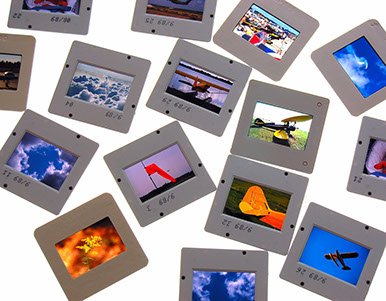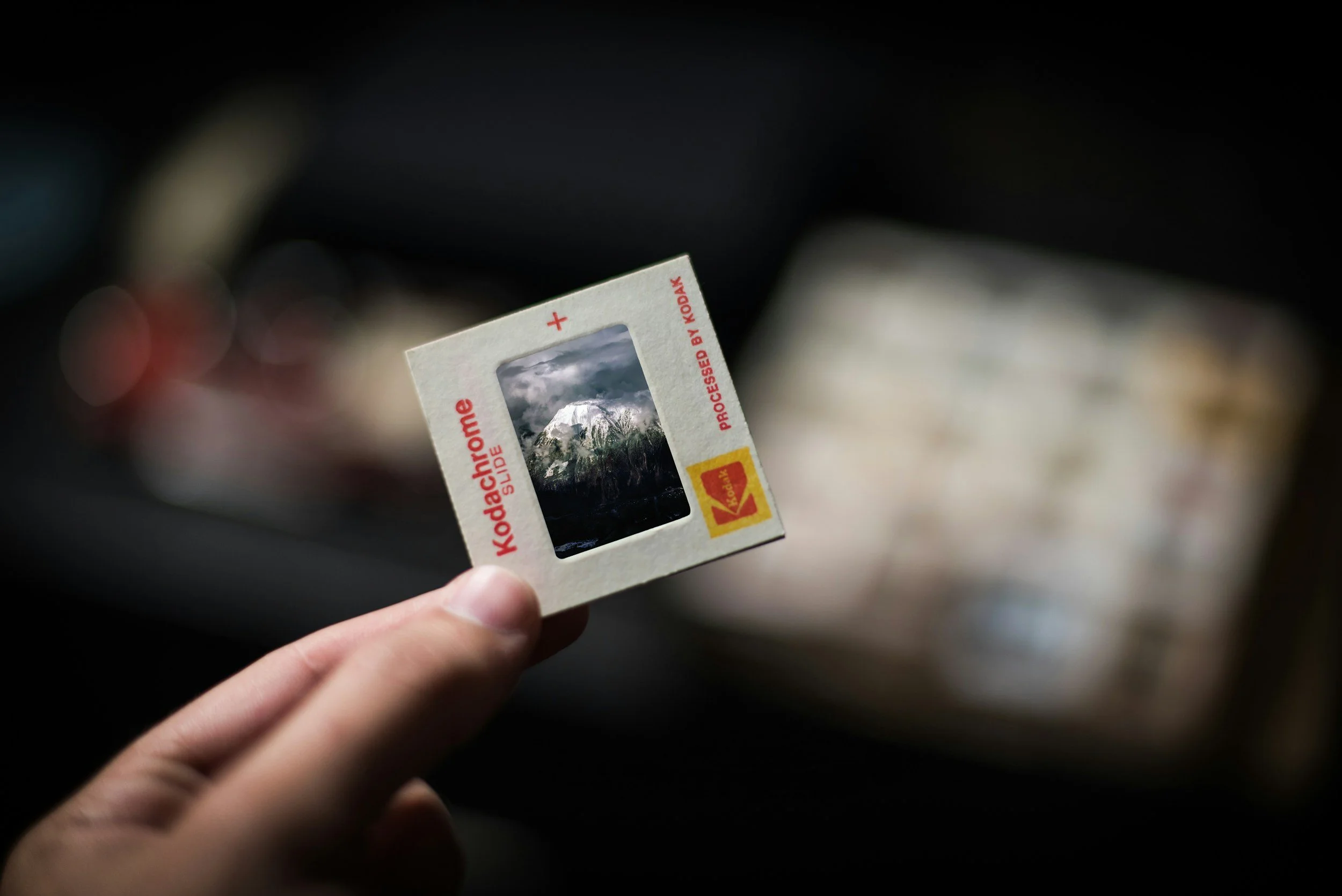
For most people, 4000 ppi is the better choice on a Nikon Coolscan because it captures nearly all the detail the scanner is capable of resolving. However, whether it's worth the extra time depends on your goals.
Scan at 2000 ppi if:
You mainly want to view slides on a computer or TV.
You're creating digital albums or sharing online.
You have thousands of slides and want to save time.
You don't expect to make prints larger than about 5×7 or 8×10 inches.
A 2000 ppi scan from a 35mm slide produces an image of roughly 1,500 × 2,200 pixels (about 3.3 megapixels), which is adequate for many everyday uses.
Scan at 4000 ppi if:
These are irreplaceable family memories.
You may want to make larger prints in the future.
You plan to crop into the image.
You want the highest-quality archival master.
You don't want to rescan later.
A 4000 ppi scan produces roughly 3,000 × 4,400 pixels (about 13 megapixels), preserving much finer detail and giving you much more flexibility for restoration and printing.
What about scan time?
On a Nikon Coolscan:
2000 ppi scans are significantly faster and create smaller files.
4000 ppi scans take longer, especially if you're using features like Digital ICE, GEM, or multi-sampling.
If you're scanning a large collection, the time difference can be substantial.